Our Mission Is Making College Affordable
No wonder we've had so many Armed Forces graduates.
At AMU, we believe in educating, inspiring, and making dreams come true for the many, not just the few. That's why we support you in navigating tuition assistance so you can maximize your benefits. We want to make your transition from military base to virtual classroom as seamless and affordable as possible. This is one small way we can thank you for your service.
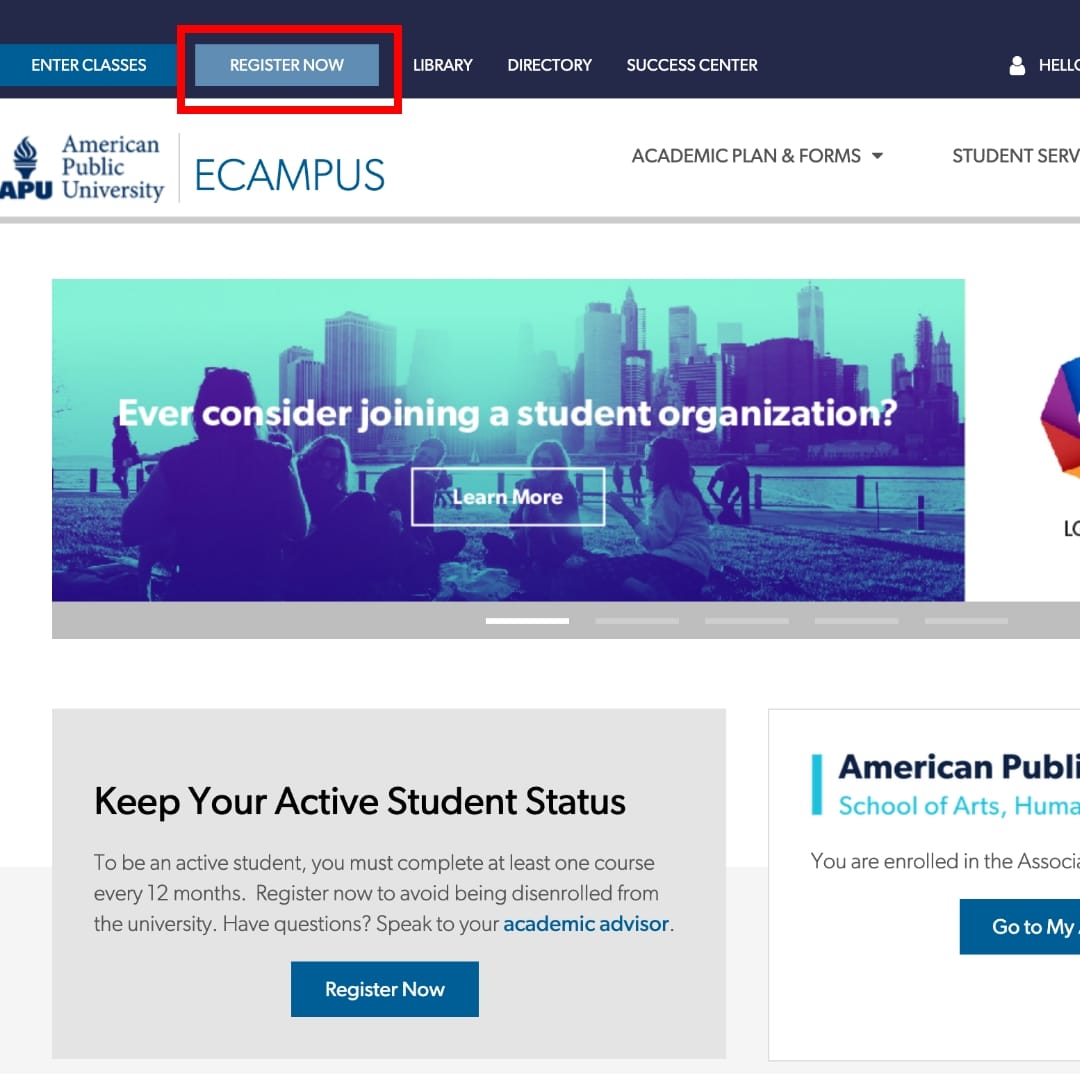
Register for Classes
- Select Register Now at the top of your ecampus to get started
- Select your course and start date
- Review the Attendance Requirement and Military TA Disclosure Policy
- Verify your Contact Information
- Select Tuition Assistance (TA) under the Military Payment Options as your payment method
- Print your Registration Confirmation
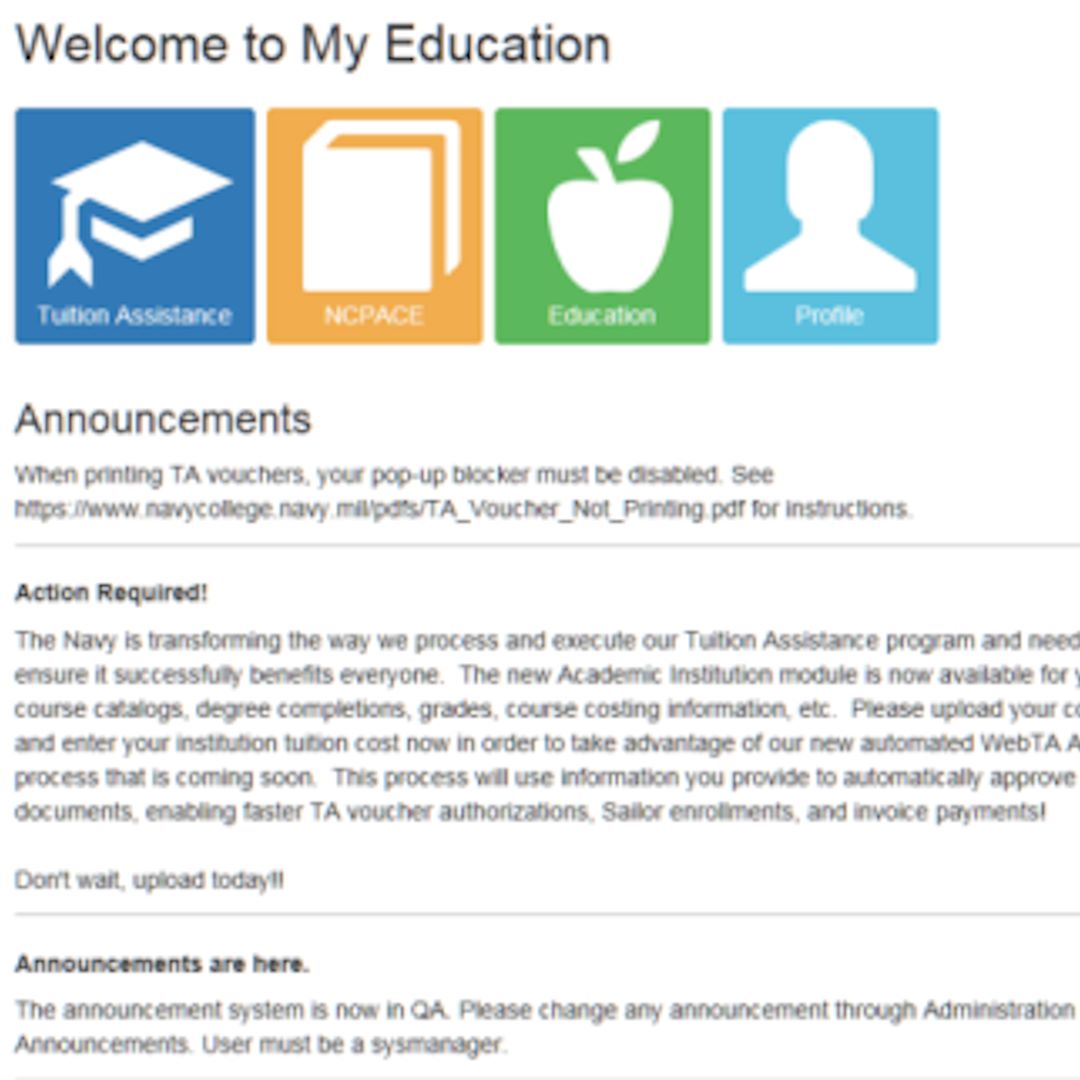
Request TA Funding
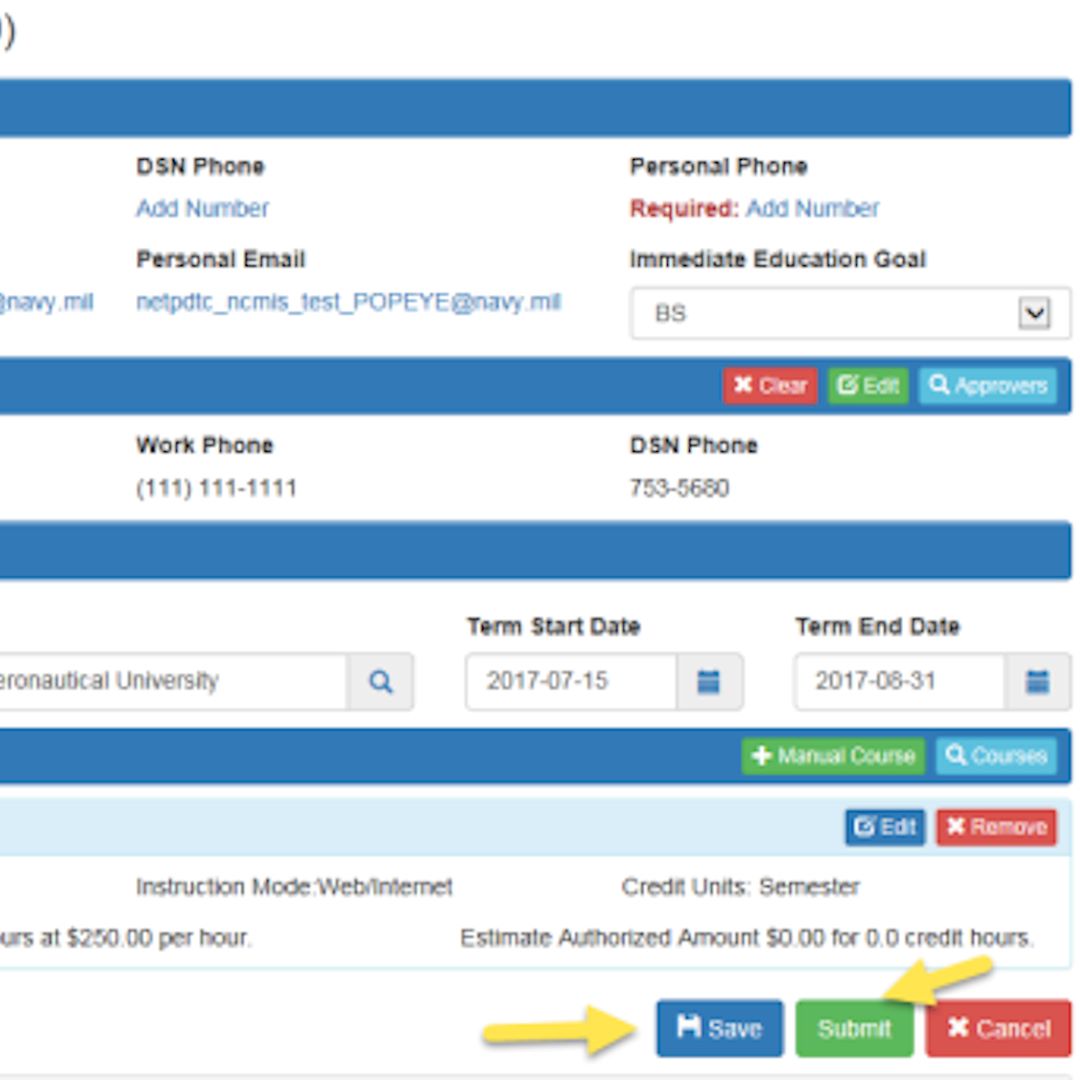
Review, Save and Submit

Submit All School Documentation to Your ESO
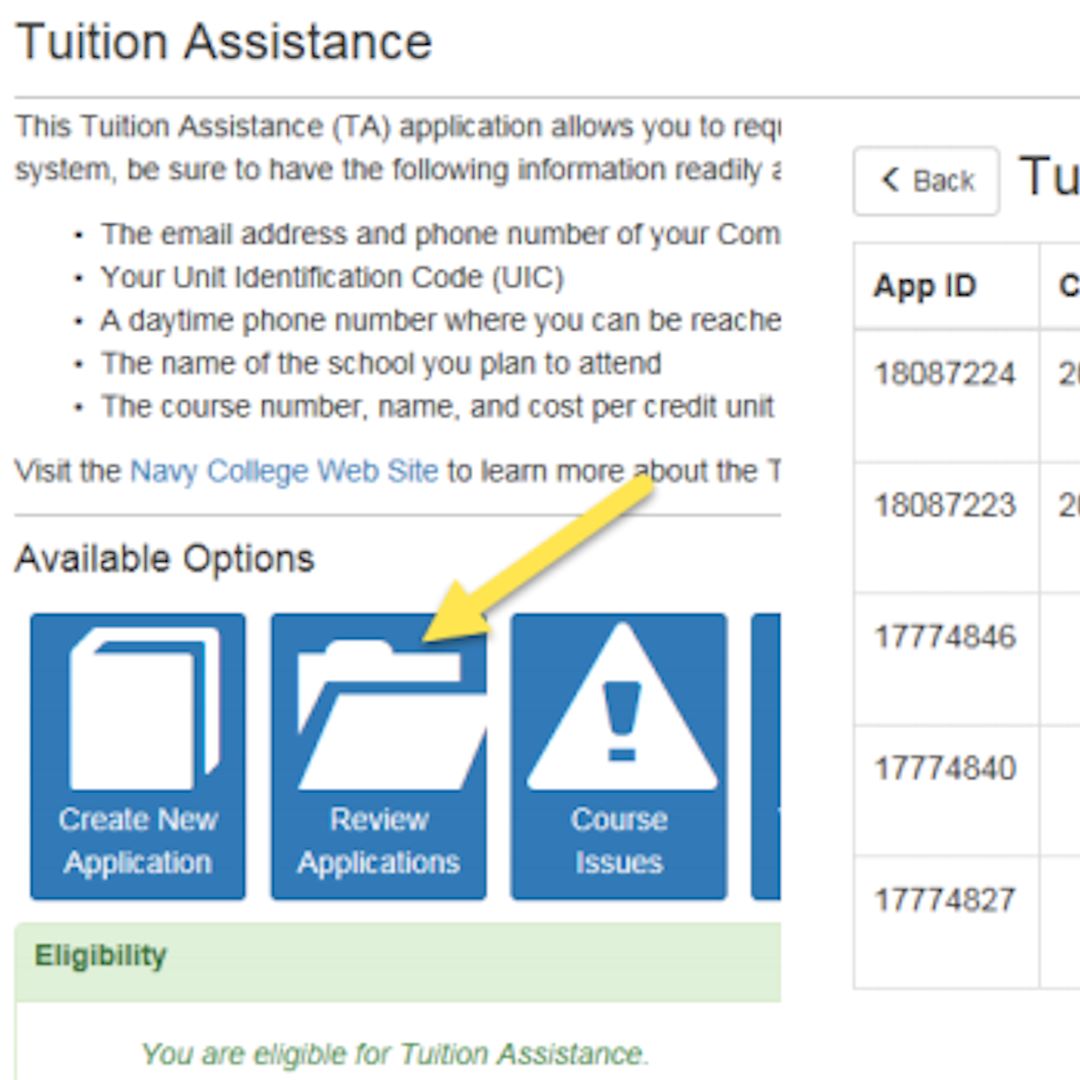
Log In and Print Your Voucher
Log into your WebTA account and print out the voucher to submit to the school after the application has been approved.
- Sign the TA Authorization form
- Submit your approved/signed TA Authorization form via the Secure Document Portal https://login.apus.edu/padsts/login
- You must log in with your ecampus credentials to upload the required signed TA voucher. You can also email a copy to [email protected] or fax it to 866-755-8763
Thanks to the University Book Grant, all undergraduate, master’s, and doctoral students will receive no-cost ebooks. A hard-copy textbook is provided if an ebook is not available. Some programs will have additional course material costs not covered by the University Book Grant. Simply select the course in your Academic Plan to review the required materials.
- Select Register Now at the top of your ecampus to get started
- Select your course and start date
- Review the Attendance Requirement and Military TA Disclosure Policy
- Verify your Contact Information
- Select Tuition Assistance (TA) under the Military Payment Options as your payment method
- Print your Registration Confirmation
Log into your WebTA account and print out the voucher to submit to the school after the application has been approved.
- Sign the TA Authorization form
- Submit your approved/signed TA Authorization form via the secure document portal
- You must log in with your ecampus credentials to upload the required signed TA voucher. You can also email a copy to [email protected] or fax it to 866-755-8763